
🎧 Listen to this article: हिंदी · English · தமிழ் · తెలుగు · ಕನ್ನಡ · മലയാളം · ଓଡ଼ିଆ · 日本語 · 中文
🌍 Read this in your language: हिंदी · தமிழ் · తెలుగు · ಕನ್ನಡ · മലയാളം · ଓଡ଼ିଆ · 日本語 · 中文
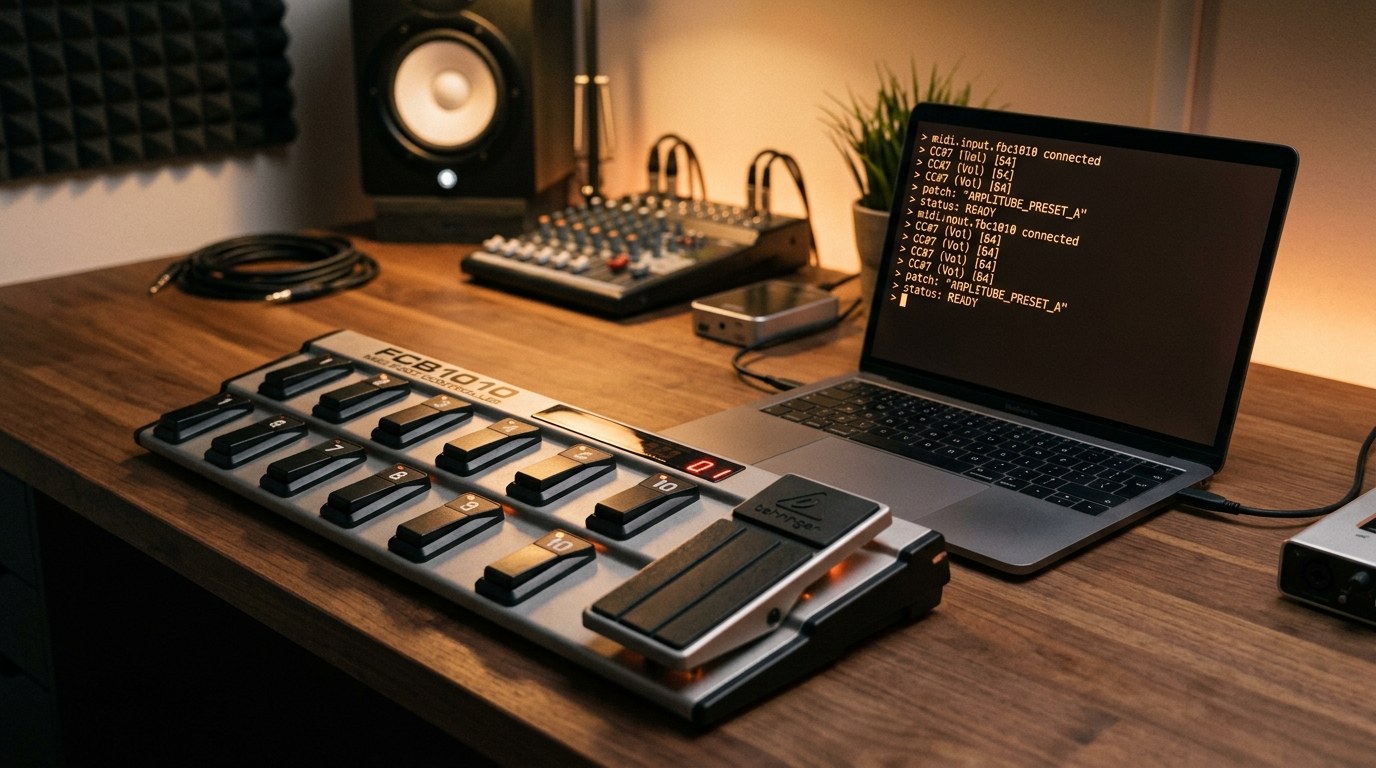
Many people are looking for ways to enhance their workflows on macOS. One interesting solution is using a MIDI foot controller, specifically the Behringer FCB1010, to create custom commands and macros. This article explores the fcbnerd tool that makes this possible.
What is fcbnerd?
fcbnerd is a command-line tool designed to help users connect their Behringer FCB1010 MIDI foot controller to macOS. It allows the foot controller to act like an extra keyboard, enabling users to execute shell commands or generate JSON messages based on footswitch or pedal inputs. This setup is particularly useful for musicians, presenters, or anyone who needs hands-free control of their computer.
Key Features of fcbnerd
- MIDI Integration: fcbnerd connects to MIDI sources, allowing the FCB1010 to send messages that can trigger specific actions on your Mac.
- Command Execution: Users can bind footswitches or pedals to execute shell commands. For example, you can open a file or launch an application directly from the foot controller.
- JSON Messaging: The tool can output JSON objects for each MIDI message received, which allows other programs to interpret the inputs.
How to Set Up fcbnerd
Step 1: Install Homebrew
If you haven't already, install Homebrew, a package manager for macOS. You can do this by running the following command in your terminal:
/bin/bash -c "$(curl -fsSL https://raw.githubusercontent.com/Homebrew/install/HEAD/install.sh)"Step 2: Trust the Tap
Before installing fcbnerd, you need to trust the tap from the developer. Run this command:
brew trust --tap jamesryanatx/tapStep 3: Install fcbnerd
Now you can install fcbnerd using Homebrew with this command:
brew install JamesRyanATX/tap/fcbnerdIf you prefer to install from source, ensure you have Xcode or the Swift toolchain installed, and run:
swift build -c release
cp .build/release/fcbnerd /usr/local/bin/
Using fcbnerd
Once installed, you can start using fcbnerd by connecting your FCB1010 to your Mac. Here are some basic commands to get you started:
Listening to MIDI Messages
To listen to MIDI messages from your foot controller, run:
fcbnerdThis command connects to every MIDI source and streams events until you stop it.
Binding Commands
You can bind specific commands to MIDI messages. For example, to open a folder when a specific footswitch is pressed, use:
fcbnerd --bind '1:20:127=open ~/Downloads'In this command, 1:20:127 specifies the MIDI message pattern, and open ~/Downloads is the command to execute.
Viewing Available MIDI Sources
To see which MIDI sources are currently available, use:
fcbnerd listConclusion
Using the fcbnerd tool with a Behringer FCB1010 MIDI pedalboard can significantly enhance your productivity on macOS. By allowing you to execute commands hands-free, it opens up new possibilities for controlling your applications.
Merits
- Enables hands-free control of applications.
- Flexible command binding to MIDI messages.
- Outputs JSON for integration with other programs.
Demerits
- Requires some technical knowledge to set up.
- Command-line interface may not be user-friendly for everyone.
Caution
This article is for educational purposes. Ensure you replace any placeholder values with your specific configurations. Always verify claims against the original source before relying on them.
Frequently asked questions
- What is fcbnerd? — fcbnerd is a command-line tool that allows you to use a Behringer FCB1010 MIDI foot controller on macOS.
- How do I install fcbnerd? — You can install fcbnerd using Homebrew or from source with the Swift toolchain.
- What can I do with fcbnerd? — You can bind MIDI messages to shell commands or output JSON messages for other applications.
- Is fcbnerd easy to use? — It requires some technical knowledge, especially with command-line tools.
- Can I use fcbnerd with other MIDI devices? — Yes, while designed for the FCB1010, it can work with any CoreMIDI source.
- What are the system requirements for fcbnerd? — fcbnerd is designed for macOS and requires CoreMIDI for MIDI communication.
Tags
#fcbnerd #midi #macos #fcb1010 #commandline #productivity #automation #music
Docker Security Checklist
Lock down your containers from build to runtime — 29 practical controls covering images, runtime flags, secrets, and the daemon. Enter your email — you'll get the PDF instantly, plus new posts on Docker, Linux & security.
Free. No spam — unsubscribe in one click.
Responses
Sign in to leave a response.