
🎧 Listen to this article: English
🌍 Read this in your language: हिंदी · தமிழ் · తెలుగు · ಕನ್ನಡ · മലയാളം · ଓଡ଼ିଆ · 日本語 · 中文
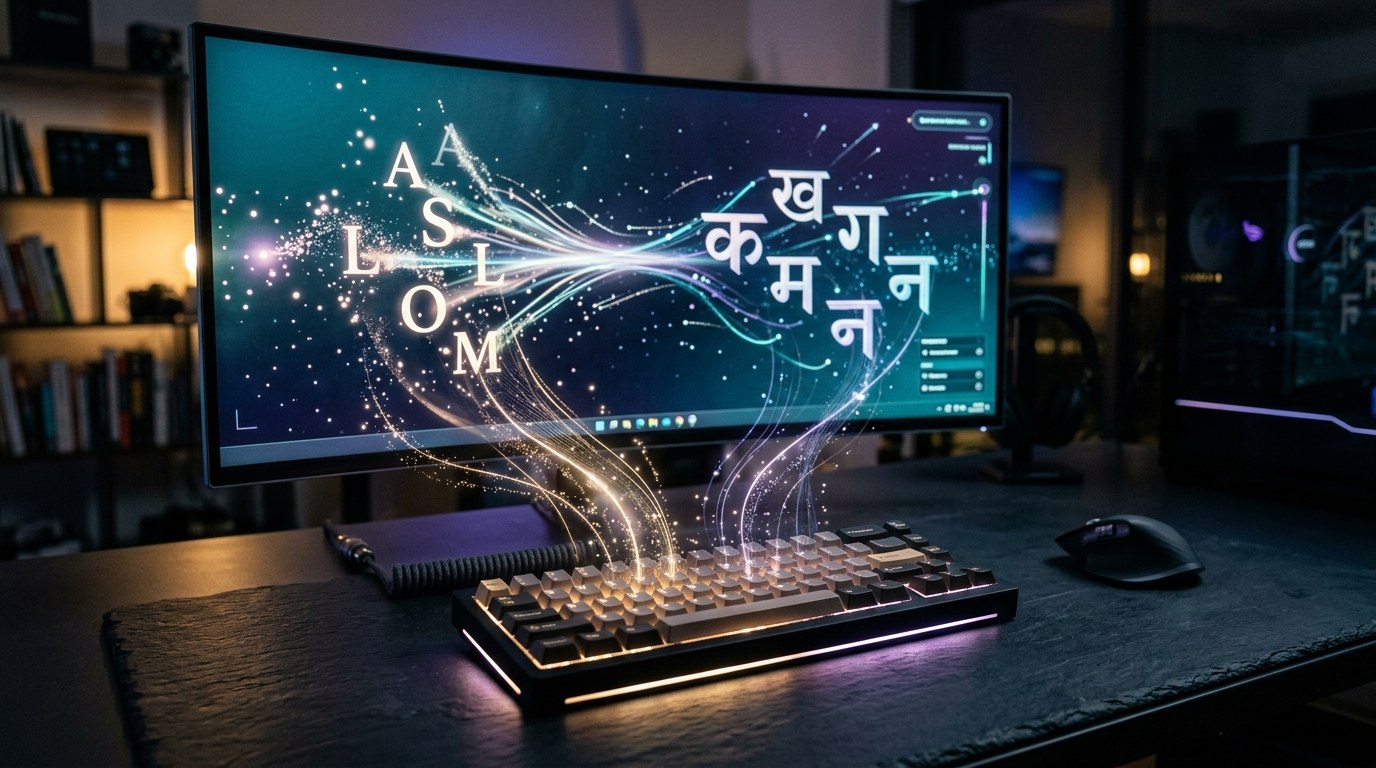
Typing in Hindi can be a challenge, especially if you have to learn a new keyboard layout. But what if you could type in Roman script and have it converted to Devanagari automatically? This is where transliteration engines come in. Understanding how these tools work is important, especially as more people communicate in multiple languages online.
What is Transliteration?
Transliteration is the process of converting text from one script to another. In this case, it involves taking Roman letters (the ones used in English) and converting them into Devanagari script, which is used for Hindi and several other languages. This allows users to type in a familiar way while still producing text in a different script.
How Does a Transliteration Engine Work?
Transliteration engines are designed to take your Roman letters and convert them into Devanagari characters. However, this process is not as straightforward as it seems. Here are some key challenges these engines face:
Ambiguity in Mapping
One of the biggest challenges is that a single Roman letter can represent different Devanagari characters depending on its context. For example, the letter "a" at the start of a word may sound different from "a" in the middle of a word. This means the engine must be smart enough to understand the context in which the letter is used.
Handling Digraphs
Some combinations of letters, known as digraphs, represent single sounds in Hindi. For instance, "kh," "gh," "chh," "aa," and "ee" are digraphs that need to be recognized as units. The transliteration engine must process these combinations correctly to ensure accurate output.
Consistency and Predictability
Users expect that if they type a word today, the engine will produce the same Devanagari output tomorrow. For example, typing "namaste" should always yield the same Devanagari result. If the output changes unexpectedly, users may lose trust in the tool.
Tools and Schemes for Transliteration
To tackle these challenges, several transliteration schemes and tools have been developed:
- Harvard-Kyoto Convention: This is a standardized method for Romanizing Hindi and Sanskrit, which helps reduce ambiguity in transliteration.
- ITRANS Scheme: This phonetic layout allows users to type Hindi using a standard QWERTY keyboard, making it easier for those familiar with English keyboards.
- Online Transliteration Tools: Websites like RubanTools and ToolRaven offer real-time conversion from Roman to Devanagari, allowing users to type in Roman script and receive instant Devanagari output.
These tools aim to simplify typing in Hindi, making it more accessible to users who are comfortable with the Roman alphabet.
Conclusion
Transliteration engines play a crucial role in bridging the gap between different scripts. By allowing users to type in Roman script and converting it to Devanagari, these tools make it easier for people to communicate in Hindi without the need for a new keyboard layout.
Merits
- Allows typing in Hindi without learning a new keyboard.
- Facilitates communication for multilingual users.
- Provides real-time conversion for instant results.
Demerits
- Ambiguity in letter mapping can lead to errors.
- Users may experience inconsistency in results.
- Requires a good understanding of context for accurate transliteration.
Caution
This article is for educational purposes. Any placeholder values must be replaced with actual data when using transliteration tools. Always verify claims against the original source before relying on them.
Frequently asked questions
- What is a transliteration engine? — A tool that converts text from one script to another, such as Roman to Devanagari.
- How does transliteration work? — It maps Roman letters to Devanagari characters based on context and sound.
- What are digraphs? — Combinations of letters that represent single sounds in a language, like "kh" or "chh."
- Why is consistency important in transliteration? — Users need reliable results to trust the tool for accurate communication.
- What tools can I use for Hindi transliteration? — Online tools like RubanTools and ToolRaven provide real-time conversion.
- Can I type Hindi without a special keyboard? — Yes, transliteration tools allow you to type in Roman script and convert it to Hindi.
Linux Server Hardening Checklist
30 practical steps to take a fresh Linux box from default to defensible. Enter your email — you'll get the PDF instantly, plus new posts on Linux, security & AI.
Free. No spam — unsubscribe in one click.
Responses
Sign in to leave a response.