
🎧 Listen to this article: हिंदी · English · தமிழ் · తెలుగు · ಕನ್ನಡ · മലയാളം · ଓଡ଼ିଆ · 日本語 · 中文
🌍 Read this in your language: हिंदी · தமிழ் · తెలుగు · ಕನ್ನಡ · മലയാളം · ଓଡ଼ିଆ · 日本語 · 中文
Migrating from one UI library to another can be a daunting task. This topic is particularly relevant now as many developers are looking for ways to improve their applications by optimizing bundle sizes and enhancing design consistency.
The Migration Journey
In our migration, we found that the bundle size dropped significantly, theming became more coherent, and our design system was unified. However, the process was not without its challenges. Here are the seven pitfalls we encountered during the migration and how we addressed each one.
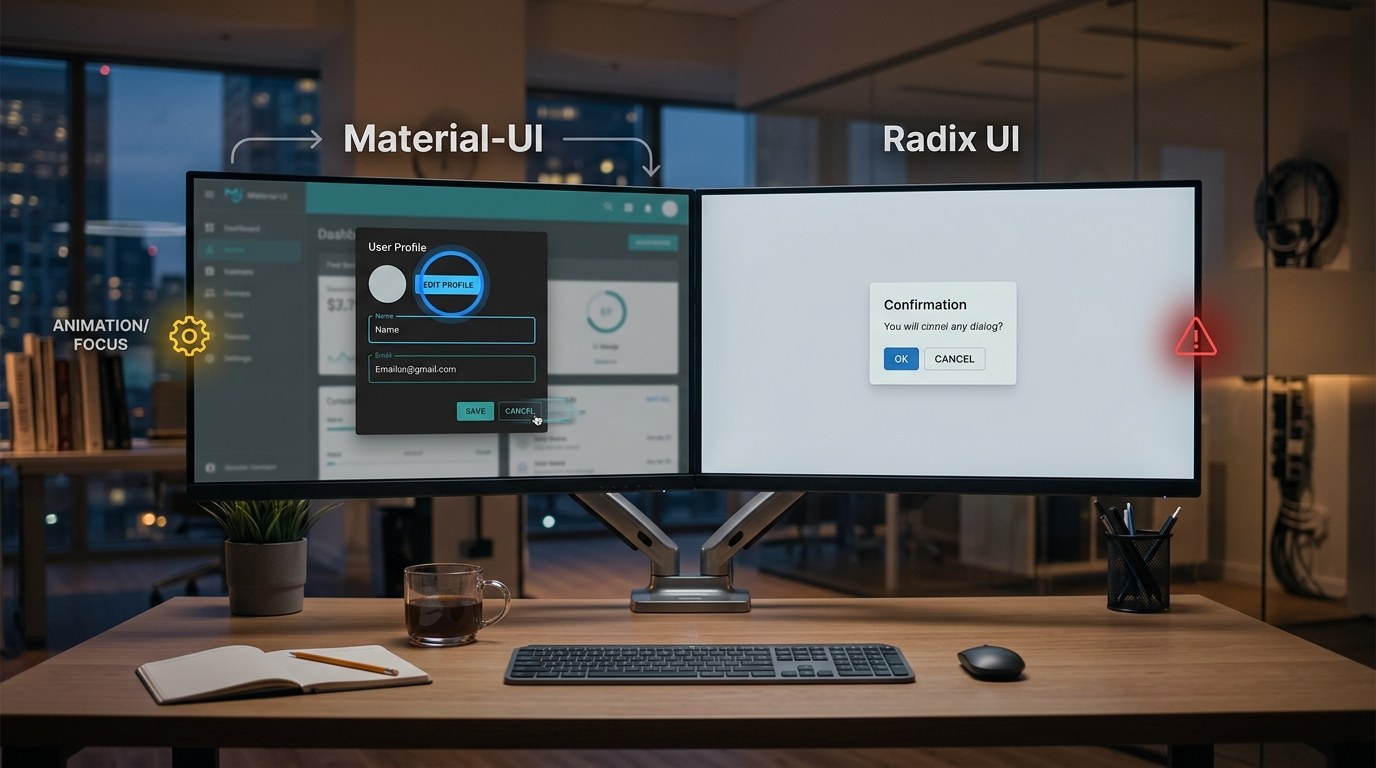
Pitfall 1: Dialog Focus Behavior Differences
MUI's Dialog component aggressively reclaims focus on every render, which can hide underlying issues. In contrast, Radix's Dialog does not automatically manage focus, revealing bugs that MUI had previously masked. We had dialogs with forms that depended on asynchronous data. With MUI, focus would eventually land on the input. With Radix, it stayed on the dialog body.
Fix: We implemented explicit focus management within the form to ensure the first input field received focus once the data was ready. This made us more aware of which component owns the focus, which is a positive outcome.
Pitfall 2: Misalignment of Drawer Components
MUI provides a Drawer component intended for mobile-first bottom sheets. However, for a side panel within an app shell, Shadcn's Sheet component is more appropriate. We initially migrated our drawers to Drawer, which caused animation glitches when closing.
Fix: We switched to Sheet, which resolved the issue in just a few minutes. If you have an existing MUI Drawer, map it to Sheet to save time.
Pitfall 3: Select Component Scroll Behavior
When we placed Radix's Select inside a Dialog, the dropdown list rendered in a portal at document.body. If any ancestor elements had certain CSS properties like transform or overflow: hidden, it caused the dropdown to scroll the entire page instead of just the list.
Fix: We adjusted the SelectContent component's position to "popper" and ensured there were no conflicting CSS properties in the dialog wrapper. This resolved the scrolling issue.
Pitfall 4: Rewriting Select Components
We also used react-select for async loading and multi-select options. Replacing it with Radix's Select required significant rewrites due to differences in functionality.
Fix: We built a custom <CxSelect /> component on top of Radix's Popover and Command to accommodate various use cases. For more complex scenarios, we kept the original react-select implementation.
Pitfall 5: Theme Token Mapping Challenges
MUI's theme uses JavaScript objects, while Shadcn's theme relies on CSS variables. This led to mismatches in theme tokens.
Fix: We conducted a comprehensive audit and replaced hardcoded values with Shadcn's CSS variables to ensure consistency across the application.
Pitfall 6: Component Ownership and Customization
Shadcn UI allows developers to own and customize components directly within their projects, which differs from traditional component libraries. This shift requires a change in mindset and development practices.
Fix: We adapted our workflow to embrace this ownership model, allowing for greater control over component implementation and styling.
Pitfall 7: Dependency Management and Conflicts
During the migration, we encountered a silent update in Radix's @radix-ui/react-primitive package that introduced a new dependency on @mui/base, leading to build failures due to version conflicts.
Fix: We pinned the @radix-ui/react-primitive package to a specific version and performed a thorough dependency upgrade to align all MUI and Shadcn UI packages.
Conclusion
Despite the challenges, the migration from MUI to Shadcn was worthwhile. We achieved a significant reduction in bundle size, improved theming, and a unified design system.
Merits
- Reduced bundle size, improving performance.
- Unified design system, enhancing consistency.
- Clearer theming with CSS variables.
Demerits
- Complex migration process with multiple pitfalls.
- Required significant rewrites for certain components.
- Dependency management issues during the transition.
Caution
This article is meant for educational purposes. Any placeholder values mentioned must be replaced with actual values in your implementation. Always verify claims against the original source before relying on them.
Frequently asked questions
- What is the main benefit of migrating from MUI to Shadcn? — The main benefit is a reduced bundle size and a more coherent theming system.
- What are some common pitfalls during migration? — Common pitfalls include focus management issues, component misalignment, and dependency conflicts.
- How can I ensure a smooth migration process? — Careful planning, thorough testing, and addressing each pitfall as it arises can help ensure a smoother migration.
- What is the difference between MUI's Drawer and Shadcn's Sheet? — MUI's Drawer is designed for mobile-first bottom sheets, while Shadcn's Sheet is intended for side panels in an app shell.
- Why is focus management important in UI components? — Proper focus management ensures a better user experience, especially for forms and interactive elements.
- What should I do if I encounter dependency conflicts? — Pinning packages to specific versions and performing dependency upgrades can help resolve conflicts.
Tags
#mui #shadcn #migration #webdev #UI #react #frontend #development
Docker Security Checklist
Lock down your containers from build to runtime — 29 practical controls covering images, runtime flags, secrets, and the daemon. Enter your email — you'll get the PDF instantly, plus new posts on Docker, Linux & security.
Free. No spam — unsubscribe in one click.
Responses
Sign in to leave a response.