
🎧 Listen to this article: हिंदी · English · தமிழ் · తెలుగు · ಕನ್ನಡ · മലയാളം · ଓଡ଼ିଆ · 日本語 · 中文
🌍 Read this in your language: हिंदी · தமிழ் · తెలుగు · ಕನ್ನಡ · മലയാളം · ଓଡ଼ିଆ · 日本語 · 中文
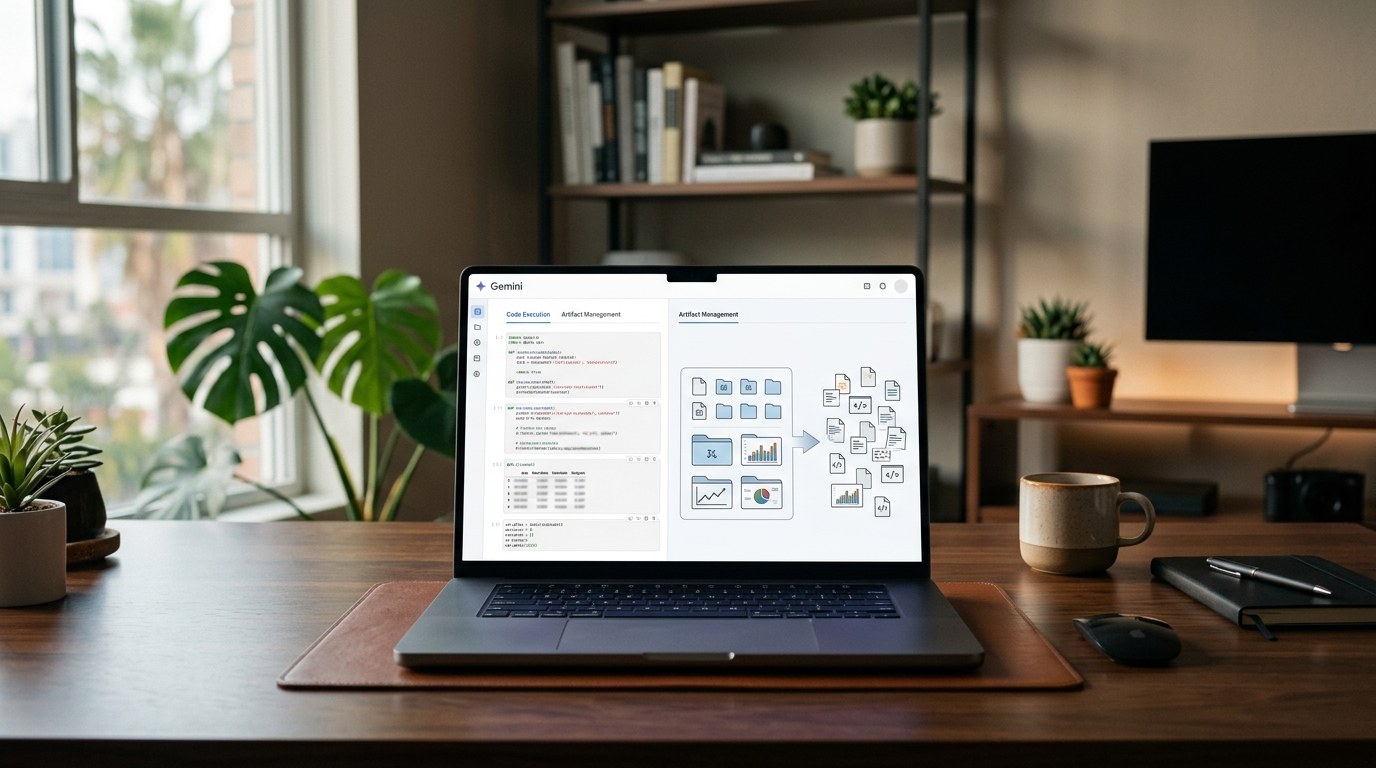
Google has recently expanded Gemini Notebook, which was previously known as NotebookLM. This expansion includes new features like notebook code execution and cross-ecosystem syncing. These updates are significant for teams that use notebooks to turn source material into reports and other outputs. However, there is still a gap in documentation regarding how to organize artifacts within the platform.
What’s New in Gemini Notebook?
In July 2026, Google rebranded NotebookLM to Gemini Notebook. This change comes with enhanced capabilities that aim to create a more integrated workspace. Users can now execute code within notebooks and sync across different ecosystems. These features are designed to help teams manage their work more effectively, especially when generating reports from various sources.
Despite these advancements, Google has not yet provided any public documentation on reorganizing the artifacts tab. This is a crucial aspect for users who generate multiple outputs from the same notebook. Without clear guidelines, it can be challenging to manage these artifacts effectively.
Why Artifact Organization Matters
For business users, the organization of artifacts is not just about aesthetics; it affects productivity. When a notebook contains numerous generated items, it can become cluttered and hard to navigate. Improved organization could make it easier to find, review, and reuse outputs. This is especially important for recurring tasks like research and content preparation.
Currently, the documented features of Gemini Notebook focus on its broader capabilities. However, the lack of information about artifact organization means that users should not rely on this feature until Google provides more details.
Current Best Practices for Managing Artifacts
While waiting for official updates from Google, users can adopt some internal strategies to better manage their artifacts:
Step 1: Use Clear Naming Conventions
Choose notebook names that clearly identify the client, project, topic, or reporting period. This helps everyone involved understand the context at a glance.
Step 2: Label and Categorize Sources
Where possible, label and categorize sources to keep track of the evidence behind outputs. This makes it easier to trace back to original materials when needed.
Step 3: Establish Internal Protocols
Create a naming convention for outputs saved or shared outside the notebook. This is especially important when multiple people contribute to the same project.
Step 4: Document Intended Uses
Record the intended use of each output, such as whether it’s a research brief, draft report, or internal summary. This ensures that everyone knows the purpose of each document before it moves into another business process.
These practices can help reduce confusion while the product's capabilities continue to evolve.
What to Watch For
The most important updates will come from official Google announcements or help-center updates. Users should pay attention to:
- Which Gemini Notebook users will receive the changes?
- Will the updates apply to existing notebooks?
- How will artifacts be grouped or found?
- Will the organization system work with the product's syncing capabilities?
Until Google provides specific details, it's best to avoid building processes that depend on unconfirmed features.
Conclusion
Gemini Notebook's recent expansion shows Google's ambition for a more connected workspace. However, the lack of documented artifact organization features means users should proceed with caution. It's wise to work with the capabilities currently available while keeping an eye out for future updates.
Merits
- Enhanced code execution capabilities.
- Cross-ecosystem syncing for better collaboration.
- Potential for improved productivity with better organization in the future.
Demerits
- Lack of documented artifact organization features.
- Uncertainty about future updates and their rollout.
- Current management practices may not fully address user needs.
Caution
This article is meant for educational purposes. Any placeholder values should be replaced with actual data. Readers should verify claims against the original source before relying on them.
Frequently asked questions
- Has Google confirmed an artifacts-tab organization update for Gemini Notebook? — No, there is no dedicated update for artifact organization documented by Google.
- What is Gemini Notebook? — Gemini Notebook is the new name for Google’s product previously known as NotebookLM, featuring enhanced capabilities.
- Can users manage artifacts in Gemini Notebook today? — Users can refer to artifacts in the Studio workflow, but there is no new organizational system documented.
- Is there a rollout date for improved artifact organization? — No, there is no confirmed rollout date for any changes to artifact organization.
- What are the new features in Gemini Notebook? — The new features include notebook code execution and cross-ecosystem syncing.
- Why is artifact organization important? — It helps users find, review, and reuse outputs effectively, enhancing productivity.
Tags
#gemini #notebook #google #workspace #artifacts #organization #productivity #updates
Docker Security Checklist
Lock down your containers from build to runtime — 29 practical controls covering images, runtime flags, secrets, and the daemon. Enter your email — you'll get the PDF instantly, plus new posts on Docker, Linux & security.
Free. No spam — unsubscribe in one click.
Responses
Sign in to leave a response.