
🎧 Listen to this article: हिंदी · English · தமிழ் · తెలుగు · ಕನ್ನಡ · മലയാളം · ଓଡ଼ିଆ · 日本語 · 中文
🌍 Read this in your language: हिंदी · தமிழ் · తెలుగు · ಕನ್ನಡ · മലയാളം · ଓଡ଼ିଆ · 日本語 · 中文
In today's digital world, effective communication is crucial, especially when it comes to password resets. Understanding how to manage notifications in Node.js applications is important. This article will walk you through a reliable method for sending password-reset notifications using email and SMS, ensuring that users receive timely assistance without unnecessary confusion.
Understanding the Notification Process
When a user requests a password reset, the process should start with sending a transactional email. This email is a formal message that serves a specific purpose, in this case, to help the user reset their password. After sending the email, it’s essential to monitor its delivery status. This means checking if the email has been delivered successfully.
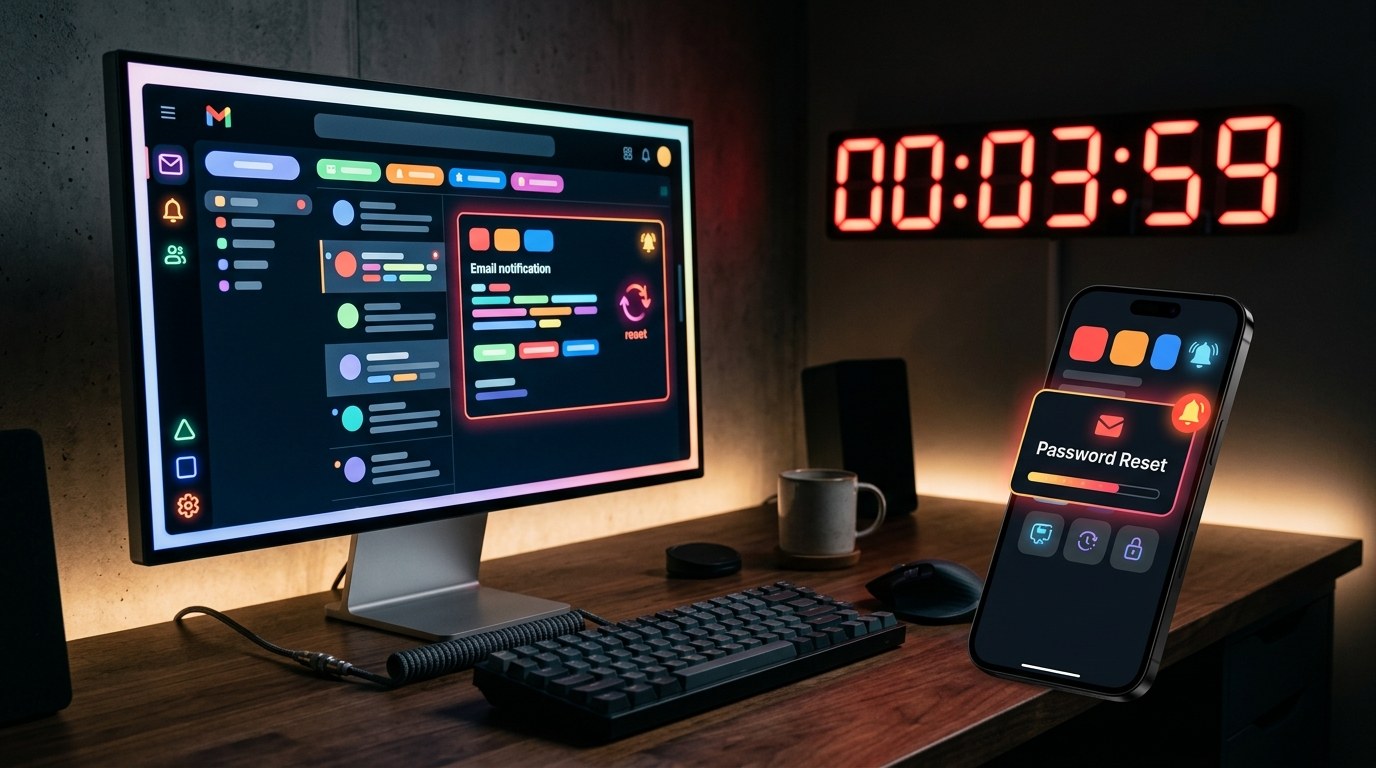
If the email fails to deliver within a certain timeframe, you should then send an SMS notification. However, this SMS should only be sent while the password-reset token is still valid. The timing of this fallback is crucial. If you wait too long, the SMS might not help the user at all, and it could just create confusion.
The Importance of the Expiry Clock
The expiry clock refers to the time limit within which the password-reset token remains valid. If the SMS fallback is sent too late, it can lead to a situation where the user receives a message that no longer helps them. This is a reliability issue that can affect customer support interactions. The goal is to ensure that the reset message is clear, timely, and can be explained easily if a user contacts support.
Implementing a State Machine
To manage the notification process efficiently, it’s helpful to implement a state machine. A state machine is a way to track the status of the notification through different stages. Here are the key states to consider:
- email_pending: The email has been sent but not yet confirmed as delivered.
- email_delivered: The email has been successfully delivered.
- text_pending: The SMS is waiting to be sent.
- complete: The process has finished, either successfully or with an error.
By using these states, you can avoid confusion and ensure that each notification is tracked correctly.
Setting Notification Policies
It’s essential to define clear policies for when to escalate from email to SMS. This decision should be based on the delivery status of the email and how much time is left before the password-reset token expires. For example, if the token is valid for 10 minutes and you poll the email status every 60 seconds, you should reserve the last two minutes for sending the SMS. This way, you ensure that the SMS is sent while the token is still valid and avoid sending a message that could lead to frustration.
Avoiding Common Pitfalls
One common mistake is to send both the email and SMS notifications simultaneously. This can hide important failure evidence and create confusion for users. Instead, it’s better to wait for the email's delivery status before deciding on the next steps. If the email is accepted but not delivered, that’s a stronger signal to consider sending an SMS.
Conclusion
Managing password-reset notifications in Node.js applications requires careful planning. By sending a transactional email first, monitoring its delivery, and using SMS as a fallback only when necessary, you can create a reliable and user-friendly experience for your customers.
Merits
- Ensures timely communication with users.
- Reduces confusion by tracking notification states.
- Provides a clear process for customer support.
Demerits
- Requires careful implementation and monitoring.
- May need adjustments based on user behavior and threat models.
Caution
This article is for educational purposes. Any placeholder values mentioned must be replaced with actual data in your implementation. Always verify claims against the original source before relying on them.
Frequently asked questions
- What is a transactional email? — A transactional email is a message sent to facilitate a specific action, like resetting a password.
- Why is polling important? — Polling helps monitor the delivery status of notifications to ensure timely communication.
- What is a state machine? — A state machine is a model that tracks the status of a process through defined states.
- How can I avoid sending duplicate messages? — Implement a uniqueness constraint in your database to prevent duplicate notifications from being sent.
- What should I include in an SMS notification? — Keep SMS messages minimal, including only essential information and avoiding sensitive data.
- Why not send emails and SMS at the same time? — Simultaneous sends can confuse users and obscure important delivery information.
Tags
#node #notifications #security
Incident Response: First Hour
A calm, evidence-preserving checklist for establishing control, bounding impact, communicating clearly, and containing an incident safely.
Free. No spam — unsubscribe in one click.
Responses
Sign in to leave a response.