
🎧 Listen to this article: हिंदी · English · தமிழ் · తెలుగు · ಕನ್ನಡ · മലയാളം · ଓଡ଼ିଆ · 日本語 · 中文
🌍 Read this in your language: हिंदी · தமிழ் · తెలుగు · ಕನ್ನಡ · മലയാളം · ଓଡ଼ିଆ · 日本語 · 中文
If you have spent any time in a self-hosting or homelab community in 2026, you have seen the same argument on repeat: should I use Tailscale, or Cloudflare, or that new Pangolin thing, or Headscale? The replies pile up, everyone is a little bit right, and the person who asked walks away more confused than before.
The confusion is understandable, because these four tools are marketed with overlapping words — "zero trust," "WireGuard," "secure access," "tunnel." But once you look at what each one actually does, the fog clears fast. They are not competitors in a single category. They solve three different problems. Pick the wrong category and no amount of configuration will make the tool fit.
This post sorts them out: what each one is, who it is for, where to use it, and — just as important — where not to use it.
Why This Comparison Matters Right Now, in 2026
Two things happened over the last couple of years that put these four names in the same sentence.
First, self-hosting stopped being a fringe hobby. Home servers running media, photos, automation, and small web apps are now common, and the people running them want remote access without punching holes in their router or handing everything to a big cloud.
Second, "zero trust" went from an enterprise buzzword to a default expectation. Individuals now want identity-aware access, encrypted-by-default networking, and no exposed ports — the same properties large companies pay for.
Tailscale, Cloudflare WARP, Headscale, and Pangolin all showed up to serve that appetite from different angles. The result is a crowded conversation where a reverse proxy gets compared to a mesh VPN as if they were the same thing. They are not.
The One Idea That Untangles Everything
Before the individual tools, hold onto this mental model. There are two questions that decide which category you are in:
- Do you want to reach your private machines, or publish your private services?
- Do you want someone else to run the control plane, or do you want to own it?
Map the four tools onto that and it looks like this:
| Reach my devices (mesh / VPN / ZTNA) | Publish my services (reverse-proxy tunnel) | |
|---|---|---|
| Managed | Tailscale · Cloudflare WARP | Cloudflare Tunnel |
| Self-hosted | Headscale | Pangolin |
Read that table twice. Tailscale, Cloudflare WARP, and Headscale are about getting you onto your machines. Pangolin is about getting the public onto your services. Headscale is simply self-hosted Tailscale. That single distinction resolves most of the arguments online.
Tailscale: The Default Mesh VPN
What it is: a mesh VPN built on WireGuard. Your devices connect peer-to-peer — laptop straight to home server — and only fall back to relay servers when a direct path is impossible. A managed control plane (run by Tailscale Inc.) handles device registration and key exchange, and you get MagicDNS, access-control lists, Tailscale SSH, exit nodes, and temporary public sharing via Funnel.
Who should use it: developers, startups, and homelabbers who want a private network working in minutes with almost no operational overhead. If your goal is "SSH into my server from anywhere," "reach my database or a staging box," or "route my phone through my home connection," Tailscale is the path of least resistance.
Where not to use it: if your organization's policy forbids a third-party running your network's control plane, or you need multiple isolated networks with custom coordination logic. The clients are open source, but the coordination server is not — and for some compliance regimes, that alone is a dealbreaker.
Headscale: Tailscale, But You Own the Control Plane
What it is: an open-source, self-hosted reimplementation of Tailscale's coordination server. You keep using the official Tailscale apps, but they register against your server instead of Tailscale's cloud. It is the answer to "I love Tailscale but I refuse to put my network metadata in someone else's system."
Who should use it: the sovereignty-minded — security teams, strict compliance environments, or hobbyists who want full ownership. If you already run a VPS with a static public address and you are comfortable owning uptime, upgrades, and backups, Headscale gives you the Tailscale experience with nobody else in the loop.
Where not to use it: almost everyone else. Headscale is scoped to a single network, and it lags on newer conveniences — dynamic ACLs, Funnel, Serve, and network flow logs are not there. Setup takes real time and needs a VPS, a domain, and certificates. It typically wants a dedicated public address, which is painful behind carrier-grade NAT. If you want zero operations, high availability, or the newest features, use Tailscale and move on. The software is free; the operational cost is not.
Cloudflare WARP: Identity-Aware Access at the Edge
What it is: the device client for Cloudflare's Zero Trust platform. Unlike a mesh VPN, WARP routes your traffic through Cloudflare's global edge, where identity-aware Access policies, Gateway filtering, and DNS controls are applied. It is less "connect my two laptops" and more "put an identity-and-inspection checkpoint in front of my apps and internet traffic."
Who should use it: teams securing internal web applications with identity-aware policies, anyone who wants DNS filtering or traffic inspection for a fleet of devices, and organizations already living on Cloudflare for DNS, CDN, or WAF. The free tier is a genuinely generous on-ramp, and browser-based access to internal tools is handy for contractors on unmanaged devices.
Where not to use it: when you need true peer-to-peer latency, when you do not want Cloudflare sitting in your data path decrypting traffic, or when your primary need is seamless non-HTTP access. Reaching a database or an SSH host over Cloudflare means stacking Tunnel plus the WARP client, which is more moving parts than a mesh VPN that handles those protocols natively.
Pangolin: Publish Your Services Without Opening Ports
What it is: a self-hosted tunneled reverse proxy with built-in identity and access control — effectively a self-hosted alternative to Cloudflare Tunnel. You install Pangolin on a public VPS, run its lightweight Newt client (userspace WireGuard, no root) next to your private service, and Pangolin plus Traefik publish that service over HTTPS with automatic certificates and a login wall in front. It is backed by Fossorial, a 2025 Y Combinator company, so there is a real team behind it.
Who should use it: self-hosters who want to expose apps — a dashboard, a photo library, an automation tool, a game server — to the public internet without opening firewall ports and without routing everything through a big provider's edge. One VPS can front many services from your home network, each behind role-based access.
Where not to use it: if what you actually want is device-to-device access, that is a mesh VPN's job (Tailscale or Headscale), not Pangolin's. It is a publisher, not a network fabric. And it assumes you can run a small VPS and some Docker containers; if you cannot, a managed tunnel will be less work.
What To Do, In Order
Here is the decision framework, as a short sequence rather than a wall of options.
Step one: name the goal in plain words. "I want to reach my machines" and "I want to publish my services" are different sentences. Say yours out loud. If it is the first, you are looking at Tailscale, Headscale, or WARP. If it is the second, you are looking at Pangolin or Cloudflare Tunnel.
Step two: decide who runs the control plane. If you are fine with a vendor running coordination, pick the managed option (Tailscale for mesh, WARP for edge access, Cloudflare Tunnel for publishing). If you must own everything, self-host (Headscale for mesh, Pangolin for publishing).
Step three: check the protocol and privacy constraints. Need native SSH, database, or RDP with low latency and no third party in the middle? Lean mesh (Tailscale or Headscale). Need identity-aware policies and inspection for web apps, or you are already on Cloudflare? Lean WARP. Need a public URL with a login wall and no open ports? Lean Pangolin.
Step four: start with the lowest-effort option that fits, then graduate. Most people should start with managed Tailscale or Cloudflare's free tier, prove the workflow, and only move to Headscale or Pangolin when a concrete requirement — sovereignty, no vendor in the path, self-hosted publishing — actually forces the extra operational load. Do not pay the self-hosting tax before you need to.
Merits
Adopting the right tool from this set has clear upsides. All four are built on modern, encrypted-by-default foundations, so you stop exposing raw ports to the internet. You get identity-aware access instead of shared passwords. The managed options (Tailscale, WARP) deliver a working private network in minutes with generous free tiers, while the self-hosted options (Headscale, Pangolin) hand you full ownership when you need it. And because the categories are distinct, they compose cleanly: it is common and reasonable to run Headscale for your device mesh and Pangolin for your public services on the same box.
Demerits
The honest downsides are mostly about mismatched expectations and operational cost. Marketing overlap leads people to pick a publisher when they needed a mesh, or a self-hosted control plane when a managed one would have been fine. The self-hosted tools trade a monthly bill for ongoing responsibility — uptime, upgrades, certificate renewals, and incident handling do not disappear just because the software is free. Edge-routed access adds a third party to your data path and, in Cloudflare's case, traffic inspection you must be comfortable with. And self-hosting a control plane behind carrier-grade NAT, without a public address, ranges from awkward to impractical.
A Caution Before You Act
Treat this article as a map, not turn-by-turn directions. These projects move quickly: features, limits, pricing tiers, and setup steps change, and what is true in mid-2026 may shift by the time you read this. Before you commit to a design — especially anything exposing services to the public internet or carrying sensitive traffic — verify the current behavior against each project's own documentation, test in a low-stakes environment first, and make sure you understand exactly what is encrypted, what is inspected, and who can reach what. Get the trust boundaries wrong and a convenience tool becomes an exposure. Proceed deliberately.
Conclusion
The reason the "Tailscale vs Cloudflare vs Pangolin vs Headscale" debate never resolves is that it is comparing tools across three different jobs as if they were one. Once you separate reaching your devices from publishing your services, and managed from self-hosted, the choice becomes almost obvious. Tailscale is the default mesh. Headscale is that same mesh with you holding the keys. Cloudflare WARP is identity-aware access at the edge. Pangolin is how you put a self-hosted app on the public internet without opening a single port. Name your goal first, and the tool picks itself.
A companion cheat-sheet — comparison table, who-uses-what, and where-not-to — is published as a public gist: github gist.
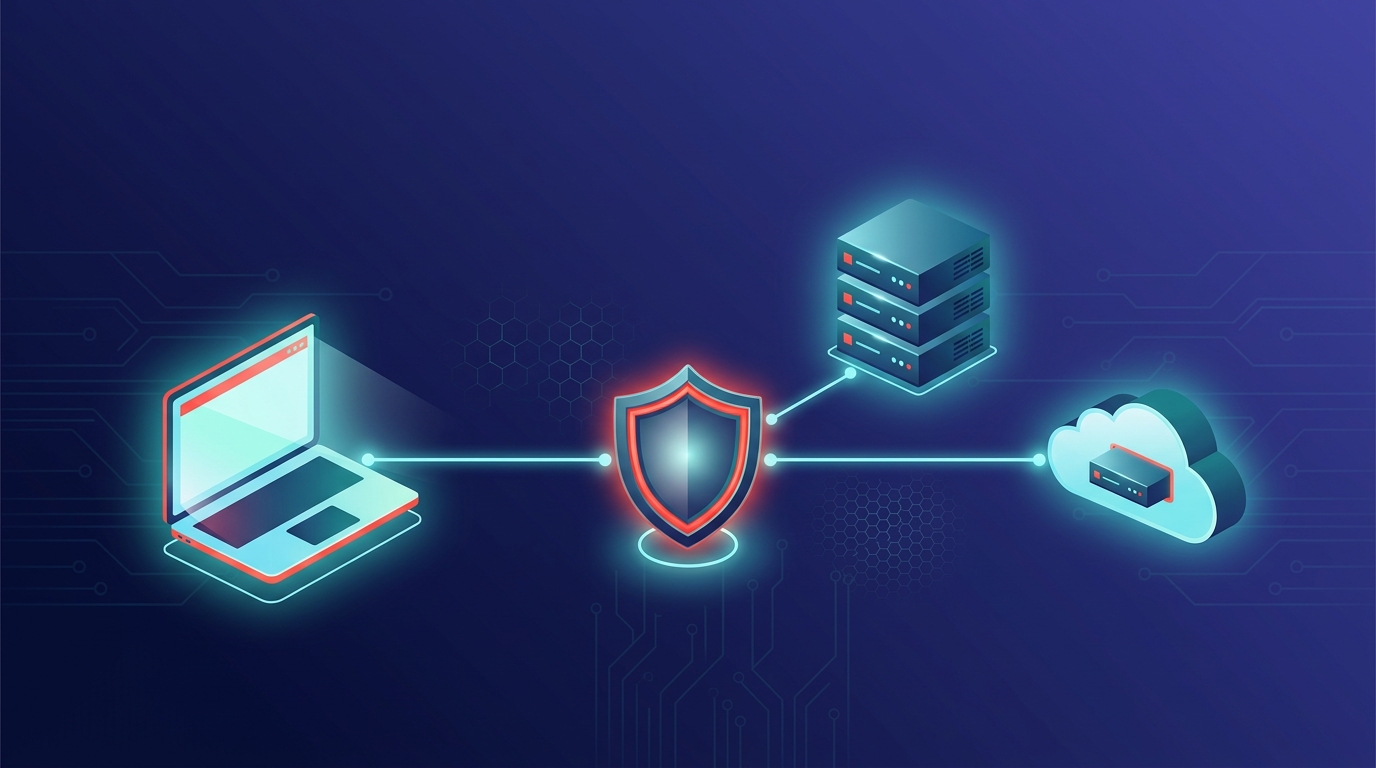
Cover illustration generated in 2026.
Frequently Asked Questions
Is Pangolin a Tailscale alternative? Not really. Pangolin is closer to a self-hosted Cloudflare Tunnel — it publishes your services to the internet behind authentication. Tailscale (and Headscale) build a private mesh so your devices can reach each other. They are often used together, not instead of each other.
Is Headscale just self-hosted Tailscale? Yes, essentially. Headscale reimplements Tailscale's coordination server as open-source software you run yourself, while you keep using the official Tailscale clients. You gain full control of the control plane but give up several newer Tailscale features and take on all the operational work.
Does Cloudflare WARP see my traffic? WARP routes traffic through Cloudflare's edge, where policies and, depending on configuration, inspection are applied. That is the point of edge-based zero trust, but it means Cloudflare sits in your data path — a tradeoff a pure peer-to-peer mesh like Tailscale avoids.
Can I use more than one of these at once? Absolutely, and many people do. A common setup is a mesh VPN for private device access (Tailscale or Headscale) plus a tunneled reverse proxy for public services (Pangolin or Cloudflare Tunnel). They serve different layers.
Which one is cheapest? The managed free tiers (Tailscale personal, Cloudflare Zero Trust) cost nothing to start. Headscale and Pangolin are free and open source, but you pay for a VPS and, more importantly, your own time to operate them. Cheapest on paper is not always cheapest in practice.
I just want to SSH into my home server from my laptop. What do I pick? Tailscale. It is the shortest path, handles SSH and other protocols natively, and works across NAT with almost no setup. Reach for Headscale only if you must self-host the control plane.
#Tailscale #Cloudflare #WARP #Headscale #Pangolin #VPN #ZeroTrust #SelfHosting #Homelab #WireGuard #Networking #DevOps #CloudflareTunnel #PeerToPeer #ReverseProxy
Incident Response: First Hour
A calm, evidence-preserving checklist for establishing control, bounding impact, communicating clearly, and containing an incident safely.
Free. No spam — unsubscribe in one click.
Responses
Sign in to leave a response.