
🎧 Listen to this article: हिंदी · English · தமிழ் · తెలుగు · ಕನ್ನಡ · മലയാളം · ଓଡ଼ିଆ · 日本語 · 中文
🌍 Read this in your language: हिंदी · தமிழ் · తెలుగు · ಕನ್ನಡ · മലയാളം · ଓଡ଼ିଆ · 日本語 · 中文
If you've ever downloaded a handful of "AI coding agent" tools to try them out, you've probably run into this exact confusion: they all use the same buzzwords — agents, skills, context, terminals — but they solve completely different problems. I ran into this today, September 23, 2026, while sorting through three such projects sitting in the same folder, and the exercise turned into a useful lesson on how to actually evaluate these tools instead of just reading their marketing.
This matters right now because the AI coding tool space has gotten crowded fast. New "supercharge your coding agent" projects show up on GitHub every week, and on the surface most of their README pages sound almost identical. Picking the wrong one wastes an afternoon of setup for zero benefit. Picking the right one can measurably cut your token usage and speed up real work.
The setup: three projects, one question
I had three open-source repositories checked out side by side, and the question was simple: which of these is actually the best fit for someone using the Claude Code CLI day to day?
The three were:
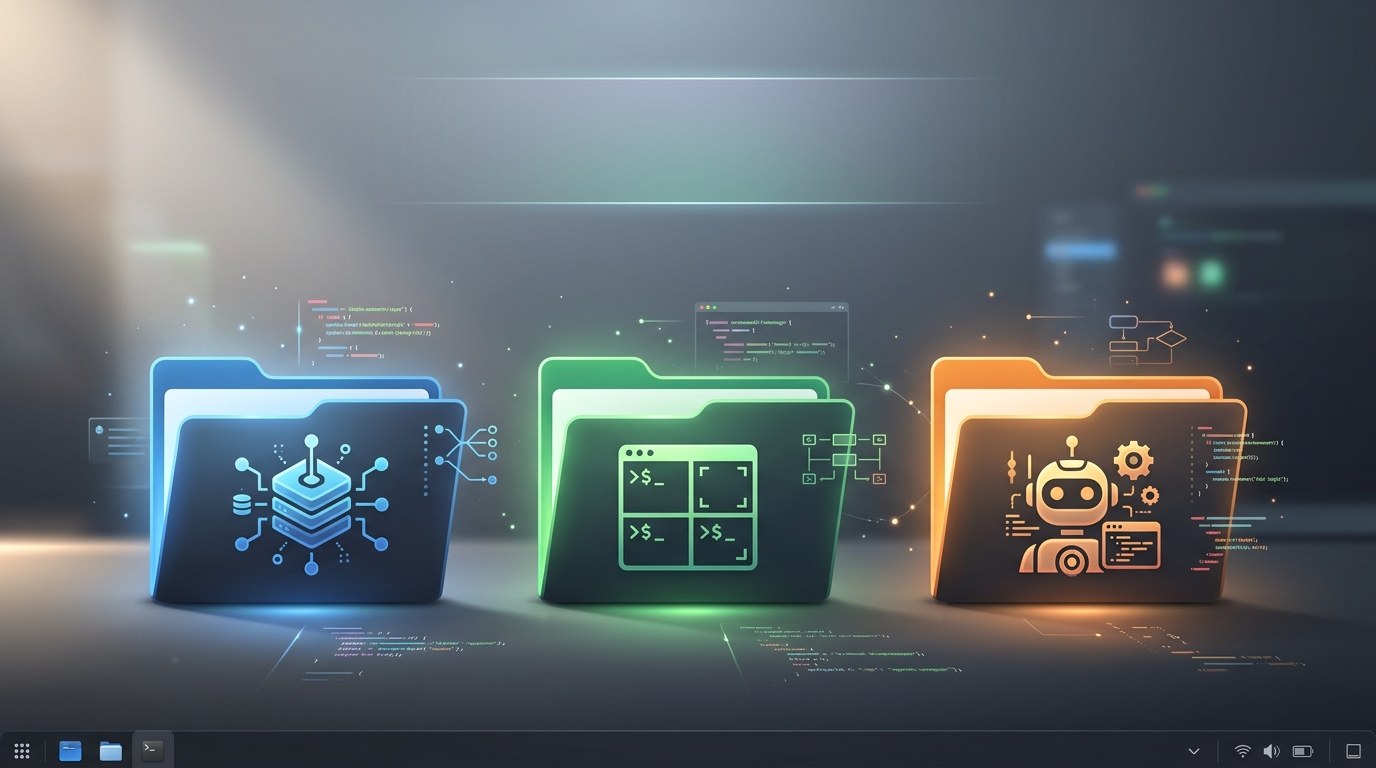
- A context layer tool — a small utility that builds a knowledge graph of your codebase as a folder of linked markdown files, so a coding agent doesn't have to re-read and re-guess your project's structure on every task.
- A terminal workspace manager — a Rust-based multiplexer (think tmux, but agent-aware) that keeps multiple AI coding sessions running in the background, tracks which ones are stuck waiting for input, and lets you reconnect from different machines.
- A standalone AI agent — a full self-contained assistant with its own chat interface, its own memory system, and support for connecting to many different language model providers.
All three describe themselves, one way or another, as tools "for AI coding agents." Only one of them is actually built to make the Claude Code CLI itself work better.
Step 1: Read past the headline claims
The first project's README led with a comparison table: with it enabled, tool-call count dropped by nearly half, token usage dropped by over 40 percent, task time dropped by 60 percent, and task correctness went up by 12 percentage points — all measured specifically against a coding agent working cold, without the tool. That's a strong, specific, falsifiable claim, and it named the exact CLI it was benchmarked against.
The second project's README made no such comparison. Instead it described itself plainly as infrastructure: it "owns terminals" for whatever agent you're already running, keeps sessions alive after you disconnect, and gives you one place to watch several agents across several machines. It explicitly said it doesn't wrap or replace the tools it hosts.
The third project's README was the most ambitious of the three: a full agent with a built-in learning loop, its own memory, its own skill system, chat support across five messaging platforms, and support for dozens of different model backends. But nowhere did it describe itself as something that plugs into or enhances an existing coding CLI. It's meant to replace that workflow with its own.
Reading past the headline pitch, in other words, told me more than the pitch itself did.
Step 2: Check what each tool actually touches
Step 1: Look at how each one integrates
The context-layer tool ships as a small package with a single command-line entry point. Its whole job is to sit next to your coding agent, build a reusable map of your repository, and hand that map back on every query so the agent spends fewer turns rediscovering what it already found last time. It's designed to be invisible — a cache, not a replacement.
Step 2: Check what it manages versus what it changes
The terminal manager doesn't touch how any agent thinks or reasons at all. It manages processes: starting them, keeping them alive, telling you which pane is idle versus stuck. It supports several different coding agents by name, treating them all the same way — useful if you juggle multiple tools, but it isn't making any single one of them smarter.
Step 3: Check who the tool is actually for
The standalone agent is not really something you point at your existing CLI. It has its own terminal interface, its own conversation history, and its own model routing. Running it alongside your existing coding CLI doesn't improve that CLI — it gives you a second, separate assistant to maintain instead.
Step 3: Match the tool to the actual need
Once I laid it out this way, the answer became obvious. If the goal is specifically "make Claude Code CLI faster, cheaper, and more accurate," only the context-layer tool does that directly, with measurable, named results. The terminal manager is a legitimate complement if you're the kind of person running several agent sessions across several machines and losing track of them — but it's solving a session-management problem, not a reasoning-quality problem. The standalone agent solves neither; it's a different product entirely, better suited to someone who wants to replace their CLI-based workflow, not extend it.
None of the three tools is "bad." They're just answering three different questions, and it's easy to assume they're competitors when they're not even trying to solve the same problem.
Conclusion
The lesson here isn't really about these three specific projects — it's about how to evaluate any "AI agent tool" claim. Read past the shared buzzwords, check exactly what the tool touches (your prompts and context, your terminal sessions, or nothing at all because it's a separate product), and match that against the actual problem you have. A tool that's genuinely built and benchmarked against your specific CLI will usually say so plainly and back it with numbers — vague "works with everything" claims deserve more scrutiny, not less.
Merits
- Forces a clear-eyed comparison instead of picking a tool by GitHub star count or README polish
- Specific, named benchmarks are a strong signal that a tool was actually tested against the thing it claims to help
- Separating "context/reasoning tools" from "session/infrastructure tools" from "standalone products" makes future tool evaluations much faster
- All three categories are legitimate — you may end up wanting one from each for different reasons
Demerits
- Benchmark numbers published by a tool's own maintainers should still be treated as a starting point, not gospel — independent verification matters
- A tool that helps today's version of a CLI may lag behind if that CLI's internals change
- Running multiple agent-adjacent tools at once (a context layer, a session manager, and so on) adds moving parts and potential points of failure
- Standalone agents with their own memory and model routing can quietly become a second system to keep in sync with your primary workflow
Caution
This article is educational and reflects a comparison made on September 23, 2026 between publicly available open-source projects; version numbers, benchmark figures, and feature sets change quickly in this space, so verify current claims directly against each project's own documentation before adopting one. Any tool names, paths, or specifics mentioned here are illustrative — always confirm licensing, security posture, and data-handling practices for your own situation before installing anything that touches your codebase or terminal sessions.
Frequently asked questions
- What's the difference between a "context layer" and a coding agent? — A context layer doesn't reason or write code itself; it pre-builds and caches a map of your codebase so the actual coding agent needs fewer steps to understand it.
- Do I need a terminal session manager to use an AI coding CLI? — No, it's optional. It becomes useful once you're running several agent sessions at once or across multiple machines and want to avoid losing track of them.
- Can a standalone AI agent replace a coding-focused CLI entirely? — For some workflows, yes, especially if you want multi-platform chat access and flexible model choice, but it's a different tool with its own setup and maintenance overhead.
- How do I know if a tool's performance claims are trustworthy? — Look for specific, named comparisons (what was measured, against what baseline) rather than vague "faster and better" language, and try to reproduce the claim on your own small task.
- Is it safe to run multiple AI agent tools side by side? — Generally yes, since most operate independently, but keep track of what each one can access (your files, terminal, credentials) to avoid overlapping permissions you didn't intend.
- Does a context-layer tool send my code anywhere? — This varies by project; always check the specific tool's documentation and privacy/telemetry policy before pointing it at a private codebase.
- What should I check first before adopting a new AI dev tool? — Read what it actually touches (files, terminal, network calls) and whether its claims are benchmarked against the specific tool you already use, not just "AI coding agents" in general.
- Are open-source AI agent tools actively maintained? — Check the commit history directly; active projects in this space tend to ship updates weekly given how fast the underlying models and CLIs change.
Tags
#AICoding #ClaudeCode #DeveloperTools #OpenSource #CLI #AIAgents #ProductivityTools #SoftwareEngineering #CodingAssistant #TechComparison
Prompt-Injection Defense Checklist
The controls that actually reduce the blast radius when your app feeds untrusted text to an LLM. Enter your email — you'll get the PDF instantly, plus new posts on AI, security & Linux.
Free. No spam — unsubscribe in one click.
Responses
Sign in to leave a response.