
🎧 Listen to this article: हिंदी · English · தமிழ் · తెలుగు · ಕನ್ನಡ · മലയാളം · ଓଡ଼ିଆ · 日本語 · 中文
🌍 Read this in your language: हिंदी · தமிழ் · తెలుగు · ಕನ್ನಡ · മലയാളം · ଓଡ଼ିଆ · 日本語 · 中文
A Brain You Can Own
What if your second brain couldn't be subpoenaed? Right now, if you use cloud-based note-taking, vector databases, or AI assistants to extend your thinking, someone else controls that access. Today, we'll explore how to build one that doesn't.
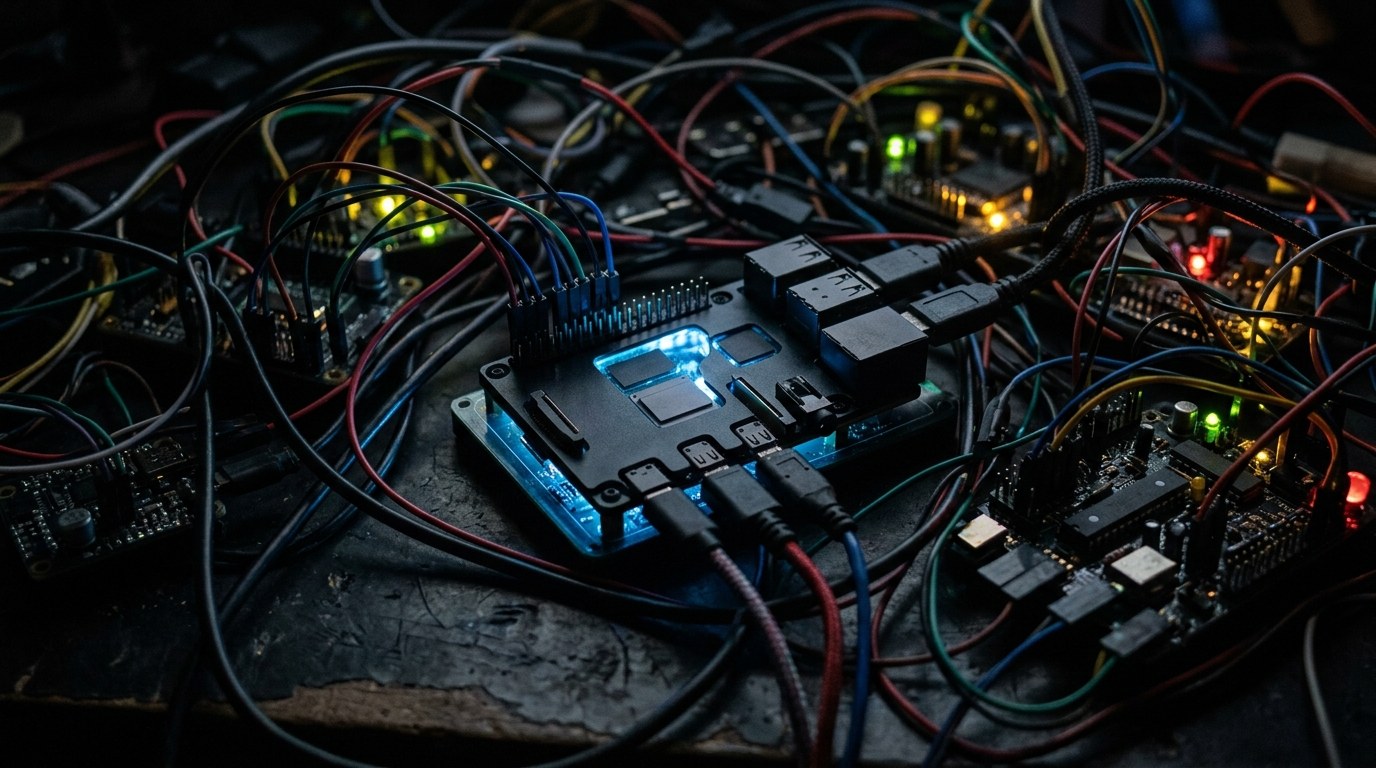
On July 5, 2026, a detailed guide appeared showing exactly how to run a complete retrieval system on a Raspberry Pi 5 — no cloud services, no API keys, no third-party observation. This matters now because we've collectively moved our working memory into platforms that have legal departments, terms of service, and teams that answer to law enforcement faster than you answer emails.
Why Your Cloud Brain Is Leased, Not Owned
Philosophers Andy Clark and David Chalmers introduced the concept of the "extended mind" back in 1998. Their argument was straightforward: if you reliably use a tool to think — a notebook, a database, a system you trust — that tool becomes part of your cognition. You don't just consult it; you think with it.
That was fine when your extended mind lived on paper in a drawer you owned. But move it to the cloud, and three problems emerge:
Epistemic pollution. When your searches train commercial AI models, your future answers get shaped by everyone else's queries. Your private context dilutes into the median user's context.
Legal exposure. Your search history, your notes, your embeddings — all the raw material of your thinking — become discoverable business records. In many jurisdictions, a platform can be compelled to hand them over.
Strategic fragility. A price hike, a policy change, a region block, and your cognitive tool vanishes. That's not a tool anymore — it's a dependency.
Local retrieval changes the picture entirely.
What RAG Actually Is (And Why It Beats Fine-Tuning)
RAG stands for Retrieval Augmented Generation. Instead of baking knowledge into a model's weights (which is expensive and hard to update), RAG keeps your knowledge separate and fetches it at query time — like looking up a book in your library when you need it, not memorizing every book.
For a personal brain, this matters for four reasons:
Provenance. RAG can show you exactly which note or document it pulled from. Fine-tuned models confidently hallucinate with zero citations.
Mutability. Your life changes daily. Update a note, re-embed it, and your answers reflect reality. Fine-tuned models require expensive retraining or serve you stale knowledge.
Composability. Filter by date, by tag, by document type. "Show me only work notes from 2024" isn't a hack — it's retrieval as selective decompression.
Portability. A 2GB vector store plus a small quantized model fit on a Pi. A real fine-tuned model that doesn't stink does not.
This idea isn't new — Vannevar Bush imagined "associative trails" through information in his Memex concept decades ago. We finally have the math to build them.
The Hardware: A Portable Brain
The Raspberry Pi 5 with NVMe storage is the key enabler here. Earlier Pis were too slow at retrieval. The Pi 5 exposes PCIe through its HAT connector, giving you real storage bandwidth — the actual bottleneck for RAG systems.
A complete build looks like this:
- Raspberry Pi 5 with 8GB RAM
- NVMe HAT (like the Pineberry Pi HatDrive) with 1TB of fast storage, TLC with DRAM cache preferred
- Hailo-8 M.2 AI module (26 TOPS at just 2.5 watts) to offload embedding math
- Passive aluminum case that doubles as a heatsink
- USB-C PD battery bank (65W) for portability
- Two microSD cards — one for the bootloader, one for encrypted backup
The whole thing draws 4 to 6 watts at idle, 9 to 12 watts under load. A 20,000 mAh battery bank keeps it running all day. That's the point: a brain you cannot carry is a brain you will not use.
The Software Stack (Minimal On Purpose)
Bloat kills auditability. The entire system runs four containers orchestrated with Docker Compose:
-
Qdrant — a vector database written in Rust. It's lightweight, runs on ARM, and handles metadata filtering better than pure speed.
-
Ollama — serving a quantized language model. The sweet spot for a Pi 5 with 8GB is llama3.1:8b-instruct-q4_K_M. It's small enough to fit, powerful enough to write actual prose.
-
Nomic Embed Text v1.5 — the embedding model that turns your text into vectors. It's compact, good at recall, and runs fine on ARM processors.
-
A FastAPI server (~180 lines of Python) that glues everything together: ingest documents, retrieve matches, build prompts, call the model, return answers.
No LangChain. No magic chains that hide how the prompt is constructed. You see the bias because you see the template.
How to Ingest Knowledge Properly
Chunking matters. The system chunks Markdown files at 700 to 900 tokens, with 100 to 150 tokens of overlap between chunks. That overlap preserves context across boundaries — words at the edge aren't severed from what came before.
For code, it chunks by function or class using tree-sitter (a parser aware of syntax structure), and stores the language and symbol name as metadata.
For PDFs, it runs OCR locally, chunks by heading, and keeps page numbers so you can find the original.
It computes SHA256 hashes of source files. When you re-ingest, unchanged files skip processing — smart and fast.
Retrieval: Getting Real Answers
When you ask a question:
- The system embeds your query as vectors.
- It searches Qdrant for the top 12 most similar chunks.
- It applies a diversity rerank (maximal marginal relevance) so you get different perspectives, not just 12 versions of the same idea.
- It filters by tags or dates if your question implies them.
Fast wrong answers are worse than slow right ones. The system prioritizes correctness over speed.
Security and Privacy
Encrypt the NVMe with LUKS2, using Argon2id (not PBKDF2). Store the keyfile on a USB drive you physically remove after boot, or memorize a strong passphrase. Mount the data partition with noexec and nodev flags so code cannot run from it.
Keep the operating system on a read-only overlay so a hard power loss doesn't corrupt your root filesystem.
This isn't paranoia. You're building a cognitive appliance, not a hobby project. The data is your thinking.
Conclusion
The extended mind is real. Your tools shape your thoughts. For decades, we've traded ownership for convenience, storing our working memory with platforms that optimize for surveillance and extraction. You can take it back — with patience and some hardware setup, your second brain can be yours alone, offline, fast, and truly private.
Merits
- Completely private: no cloud, no third-party access, nothing to subpoena.
- You control the entire stack: see every line of code, understand every decision.
- Portable and low-power: runs all day on a battery.
- Accurate: RAG citations let you verify sources and avoid hallucination.
- Updateable: add new knowledge without retraining.
- Works entirely offline: no API rate limits, no latency waiting for the cloud.
Demerits
- Requires technical setup: not point-and-click.
- Inference happens on device hardware: not instant.
- Limited model quality compared to very large cloud models.
- You own the maintenance: updates, security patches, hardware failures are your responsibility.
- Small knowledge base: limited by the Pi's storage (though 1TB is substantial for personal use).
Caution
This article is educational and summarizes publicly available information. If you build this system, replace any example values with your own configuration. Verify all technical claims against the original source and test thoroughly before relying on your system for critical tasks. Security (especially encryption) should be validated by someone with cryptography expertise if your threat model is serious. This article does not constitute security advice.
Frequently asked questions
- What's the difference between RAG and fine-tuning for personal knowledge systems?
- Can a Raspberry Pi 5 really run a full AI retrieval system offline?
- How much knowledge can you store on a 1TB Pi drive?
- What privacy risks remain even with a fully local setup?
- Can you sync your personal brain between multiple devices securely?
- What programming skills do you need to set this up?
- Is this approach better than using cloud note-taking apps?
- How portable is a Raspberry Pi system with battery backup?
Tags
#privacy #raspberrypi #rag #ai #offline #security #locallm #personalknowledge
Incident Response: First Hour
A calm, evidence-preserving checklist for establishing control, bounding impact, communicating clearly, and containing an incident safely.
Free. No spam — unsubscribe in one click.
Responses
Sign in to leave a response.