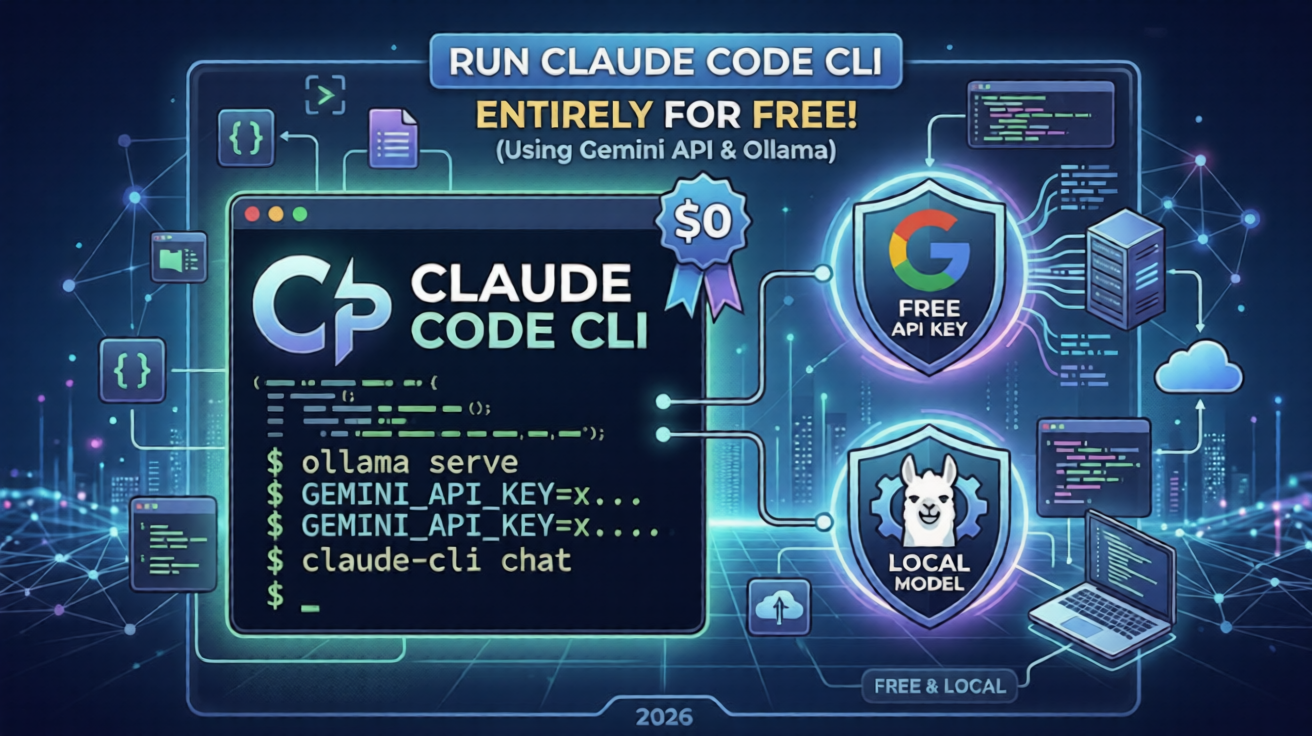

🎧 Listen to this article: हिंदी · English · தமிழ் · తెలుగు · ಕನ್ನಡ · മലയാളം · ଓଡ଼ିଆ · 日本語 · 中文
🌍 Read this in your language: हिंदी · தமிழ் · తెలుగు · ಕನ್ನಡ · മലയാളം · ଓଡ଼ିଆ · 日本語 · 中文
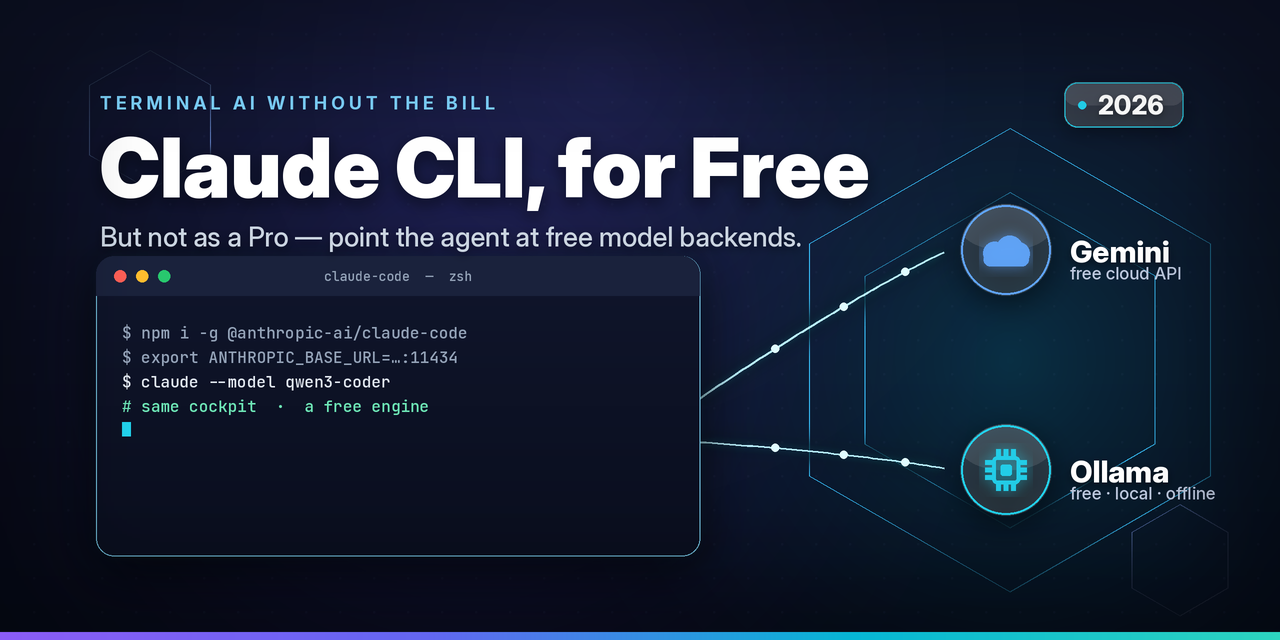
Run the official Claude Code command-line agent without a paid subscription, by pointing it at free model backends instead. Here is the honest, step-by-step version.
Last updated: June 8, 2026
Why the date on this article matters
If you take only one thing from this post, take this: in the AI tooling world, a guide is only as good as the day it was written.
This article was written on June 8, 2026, and that timestamp is doing real work. Free AI tiers and the tools that wrap around them change almost monthly. To give you a sense of how fast the ground moves:
-
In December 2025, one major provider cut its free API rate limits by somewhere between fifty and eighty percent overnight, and thousands of developers woke up to "quota exhausted" errors on projects that had worked fine the day before.
-
In January 2026, the most popular local-model runner shipped native support for the same request format that the Claude command-line tool speaks, which removed the need for a separate translation layer that every older tutorial still tells you to install.
-
The command-line tool itself ships new versions on a near-weekly cadence, and some of the behaviour described here is gated behind specific version numbers.
So treat every number, model name, and command below as accurate for mid-2026 and verify against the official docs before you build anything you depend on. A tutorial from 2025 will quietly mislead you in 2026.
The one honest thing nobody puts in the title
Let us clear up the biggest misconception immediately, because most "free Claude" posts bury it or skip it entirely.
This trick does not give you Claude models for free.
What it gives you is the Claude Code command-line interface, the terminal agent that plans tasks, edits files, and runs commands, powered by a different model underneath. You keep the cockpit you like. You swap out the engine for a free one.
That distinction is the whole story. The command-line tool is a client. It sends requests in a specific format (Anthropic's Messages API) to a server address. By default that address is the official paid API. The tool exposes an environment variable that lets you change the address. Point it somewhere free, and the same familiar interface now runs on a free model.
There is no cracking, no patched binary, and no bypass of any security control involved. You are using a documented configuration option exactly as intended. The official tool is openly published on the public package registry, and pointing it at alternative backends (including cloud platforms and self-hosted gateways) is a supported, well-trodden path. The only thing the title oversells is the word "Claude." Set your expectations on quality accordingly, and you will not be disappointed.
A quick example to anchor the idea
Meet Alex, a fictional indie developer prototyping a weekend side project on a near-zero budget. Alex loves the terminal agent workflow but does not want a recurring bill while just experimenting. Alex has two realistic free routes:
-
Route A, cloud: sign up for a free model API key, run a small translation gateway, and point the tool at it. No local hardware needed.
-
Route B, local: run an open-source model entirely on the laptop, so nothing ever leaves the machine and there is no usage meter at all.
Everything below follows Alex's setup. Every credential, address, and name in the examples is a placeholder. Replace them with your own.
How the trick actually works
Before the steps, the mental model, because it makes the rest obvious.
- The command-line agent reads an environment variable that decides where it sends requests. Out of the box it points at the official paid endpoint.
- If you change that variable to a different address, every request goes there instead. The agent does not care who answers, as long as the answer comes back in the format it expects.
- The catch is the format. The agent speaks one specific request and response shape. Anything you point it at must speak that same shape, either natively or through a small "translator" that converts between formats.
So the entire job is: stand up something that speaks the right format and is backed by a free model, then redirect the agent to it.
There are two clean ways to satisfy that requirement, and they map exactly to Alex's two routes.
Part 1: Install the command-line agent (do this first, for both routes)
This step is identical no matter which route you choose. You install the official tool once.
You need a current Node.js runtime installed first. Then install the agent globally:
Windows
curl -fsSL https://claude.ai/install.cmd -o install.cmd
&& install.cmd
&& del install.cmd

Or
Windows
winget install Anthropic.ClaudeCode

macOS, Linux, WSL:
curl -fsSL https://claude.ai/install.sh | bash
Or
npm install -g @anthropic-ai/claude-code
Confirm it is on your path:
claude --versionSome of the backend-switching behaviour described later requires a reasonably recent build of the tool, so if your version is old, update it before continuing. With the tool installed, pick one of the two routes below.
Part 2, Route A: Free cloud models through a translation gateway
This is the route to choose if you do not have a powerful machine. It runs on a free cloud API key plus a tiny local gateway.
Step 1: Generate a free model API key
Sign in to a free AI developer studio with an ordinary account and create an API key. The well-known free option requires no credit card to start, does not expire, and includes access to several capable fast models.
Two honest caveats you must know before you rely on it:
-
The free tier has real daily and per-minute limits, and as noted above these were tightened significantly in late 2025. For light prototyping they are usually enough; for heavy agentic sessions, which fire many requests quickly, you will hit limits.
-
On the free tier, your prompts and responses may be used to improve the provider's products. Do not send private, regulated, or client-confidential code through a free cloud tier. If that matters to you, use Route B.
Store the key as an environment variable rather than pasting it into files. A placeholder example:
export GEMINI_API_KEY="AIzaSyExampleKey_ReplaceThisDoNotUse_000"Step 2: Run a small translation gateway
The cloud model speaks a different request format than the agent does, so you need a translator in the middle. A widely used open-source gateway can accept the agent's format, convert it for the cloud model, and convert the answer back.
Two popular choices:
-
A general-purpose model gateway you run locally (commonly started on a local port like 4000).
-
A purpose-built router for this exact use case, which typically binds to a local loopback address and port such as
127.0.0.1:3456and lets you route different task types to different models.
A minimal gateway configuration that maps a friendly model name to a free cloud model looks like this in spirit:
model_list:
  - model_name: free-fast-model
    litellm_params:
      model: gemini/gemini-2.5-flash
      api_key: os.environ/GEMINI_API_KEY
Start the gateway. It will listen on a local address, for example http://127.0.0.1:4000, and protect access with a token you choose.
One important, honest footnote that the official documentation itself makes: gateways like this are community tools. They are not built, maintained, or audited by the makers of the command-line agent. You are choosing to trust them. Read their docs and keep them updated.
Step 3: Point the agent at your gateway
Now redirect the agent with two environment variables, the base address and an auth token that matches your gateway:
export ANTHROPIC_BASE_URL="http://127.0.0.1:4000"
export ANTHROPIC_AUTH_TOKEN="sk-gateway-localdev-EXAMPLE-7f3a"
By default the agent's model picker only lists the vendor's own model names. To make it discover the models your gateway exposes, opt in to gateway model discovery (a recent feature), then launch:
export CLAUDE_CODE_ENABLE_GATEWAY_MODEL_DISCOVERY=1
claude
Inside the session, open the model picker and select the model your gateway serves. If you hit errors about unsupported experimental request headers when talking to a non-vendor backend, there is a setting to strip those extra headers; enabling it resolves a common class of rejected requests.
That is the full cloud route. The familiar agent, a free model underneath.
Part 2, Route B: Free local models, nothing leaves your machine
This is the route to choose if you have decent hardware and care about privacy or about having no usage meter at all. As of early 2026 this route became dramatically simpler.
Step 1: Install a local model runner and pull a coding model
Install a local large-language-model runner, then download an open-source coding model. Pick a model sized to your hardware. Examples of capable coding-oriented local models include qwen3-coder and other recent coding builds; smaller machines should choose smaller quantized models.
ollama pull qwen3-coderStep 2: Point the agent straight at the local server (no translator needed)
Here is the 2026 upgrade that makes this route shine. Since version 0.14.0, announced in mid-January 2026, the popular local runner speaks the agent's native request format directly, at the standard messages endpoint. That means no gateway, no translator, no middleware. You point the agent at the local server and it just works.
export ANTHROPIC_BASE_URL="http://localhost:11434"
export ANTHROPIC_AUTH_TOKEN="local-placeholder"
Local servers usually accept any non-empty token, so the auth value is just a placeholder here. Then launch the agent and pick your local model by name:
claude --model qwen3-coderIf your local runner is an older build without native support, or you are using a different local engine that only exposes the other common format, put a small translation gateway in front of it exactly as in Route A.
Step 3: Give it enough context to be useful
One setting matters more than any other for local agent work: the context window. Agentic editing burns through context fast, and a small window turns the agent into a forgetful chat demo. A practical floor is around thirty-two thousand tokens, with double that being a comfortable sweet spot if your hardware allows. Set it before launching:
export OLLAMA_CONTEXT_LENGTH=32768That is the full local route. Free, offline, and private.
Do you need a real production server for any of this?
For one developer on one laptop, no. Run everything on the loopback address (127.0.0.1 or localhost) and skip servers entirely. Adding a remote server only adds attack surface and cost you do not need.
There are two genuine cases where a proper server becomes required, and only these two are worth the trouble:
- A shared team gateway with central key management and audit logging. If several developers should share one set of upstream credentials, with usage tracked and rate-limited centrally, then a hosted gateway is the right tool. In that case it must run behind authentication and over HTTPS, and it must never be exposed openly to the internet without access control.
- Streaming over a remote proxy. This is the gotcha that bites people. The agent streams responses, and naive reverse-proxy defaults often break streaming. If you front a remote gateway with a reverse proxy, you typically must force HTTP/1.1 (disable HTTP/2 for that route) and enable immediate response flushing so streamed tokens are not buffered. Skip this and the agent will appear to hang forever even though the backend is fine.
If neither case applies to you, stay local. It is simpler, cheaper, and safer.
Conclusion
The honest summary is short. The official command-line agent is a client that talks to a configurable address. Redirect that address to a free cloud model behind a small gateway, or to a free local model that now speaks the agent's format natively, and you get the workflow you like without a subscription. You are not getting the vendor's flagship model for free. You are getting a familiar interface running on a free engine, with the quality trade-offs that implies.
Merits
-
Zero or near-zero cost for prototyping, learning, and low-volume work.
-
Privacy on the local route, since nothing leaves your machine and there is no usage meter.
-
One consistent interface regardless of which model answers underneath, so your habits and muscle memory carry over.
-
Provider flexibility, letting you route cheap or simple tasks to small models and keep stronger models for the hard parts.
Demerits
-
It is not the flagship model. Expect lower accuracy on complex multi-step tasks.
-
Tool calling is the weak spot. The agent relies heavily on the model formatting tool calls correctly; weaker models do this unreliably, hallucinate file paths, or get stuck in loops. This is the single biggest quality gap when you move away from the native backend.
-
Free cloud tiers are limited and not private. Daily and per-minute caps are real, and free-tier prompts may be used for training.
-
Some features simply do not carry over, such as prompt caching and forced tool selection, which can make local sessions slower or occasionally pick the wrong tool.
-
You depend on community middleware that the agent's makers do not maintain or audit.
Caution: do this at your own risk
This guide is educational. Before you use it for anything beyond personal experimentation, confirm that your usage complies with the current terms of service of every product involved: the command-line agent, any cloud model API, and any gateway or runner. Terms change, and free tiers in particular carry usage and data conditions. Never send private, regulated, or confidential code through a free cloud tier, and never expose a self-hosted gateway to the public internet without authentication and encryption. You are responsible for your own keys, your own data, and your own compliance. Verify everything against official documentation, because as the date at the top of this article warns, the details move fast.
Can I use the Claude Code CLI for free without a subscription? You can use the command-line tool itself for free by pointing it at a free model backend, but you will not be running the vendor's flagship model. You will be running a free cloud or local model through the same interface.
How do I change the backend the Claude command-line agent uses? Set the base-URL environment variable to your chosen address and provide a matching auth token. The agent then sends all requests there instead of to the default paid endpoint.
Is it legal or against the rules to point the CLI at another model? Pointing the tool at alternative backends is a documented, supported configuration, including cloud platforms and self-hosted gateways. The responsibility on you is to follow the terms of service of every product in the chain, since those terms can change.
Do I need a credit card to use the free cloud model tier? The most popular free developer tier does not require a credit card and does not expire, but it has real rate limits and may use your prompts to improve the provider's products.
Can I run the Claude command-line agent fully offline? Yes. With a local model runner that natively speaks the agent's request format (available since early 2026), you can run everything locally with no internet connection and no usage meter.
Why does my local agent session feel forgetful or get stuck? Two usual causes: the context window is too small, so raise it to at least around thirty-two thousand tokens, and the local model handles tool calls poorly, so choose a model trained for tool use and agentic coding.
Do I need a server in production for this? Only for a shared team gateway with central credentials and audit logging, or when streaming through a remote reverse proxy that must be configured for HTTP/1.1 and immediate flushing. Solo users should stay on the local loopback address.
Is a free model as good as the paid flagship for coding? No. Expect weaker performance on complex, multi-step, tool-heavy tasks. Free and local models are excellent for learning and light work, less reliable for demanding agentic workflows.
What hardware do I need to run a coding model locally? Enough memory to comfortably hold your chosen model and a usable context window. Larger context windows and bigger models need more memory; smaller quantized models run on more modest machines.
Why do free AI tiers and these instructions keep changing? Providers adjust free quotas and pricing frequently, and the surrounding tools ship rapid updates. That is exactly why the date on any guide like this one matters, and why you should re-verify before relying on it.
ClaudeCode, AI Coding, Developer Tools, Open Source, Local LLM
#ClaudeCode #ClaudeCLI #AICoding #LLM #LocalLLM #Ollama #GeminiAPI #DeveloperTools #OpenSource #DevTools #AIDevelopment #FreeTier #CodingAssistant #LiteLLM #SelfHosted #PrivacyFirst #TerminalTools #AIAgents #SoftwareEngineering #TechTutorial
Linux Server Hardening Checklist
30 practical steps to take a fresh Linux box from default to defensible. Enter your email — you'll get the PDF instantly, plus new posts on Linux, security & AI.
Free. No spam — unsubscribe in one click.
Responses
Sign in to leave a response.